Business Digital Banking
A Digital Banking Experience that provides you with the tools to manage your finances when convenient.
Getting Started
Please contact a First Farmers representative to set up business digital banking. Temporary login credentials will be emailed to your indicated administrator(s) once setup is complete.
STEP 1 – Using the assigned username and password, login and follow the steps to personalize the login information.

STEP 2 – Login using the emailed temporary credentials to establish your personalized credentials.

STEP 3 – Create your online profile, and enjoy connecting to your money wherever and whenever you want.
- Username requirements
- Must be at least 8 characters long
- Must contain one letter
- Password requirements
- Must be at least 8 characters long
- Must contain one letter
- Must contain one number
- Must contain one special character
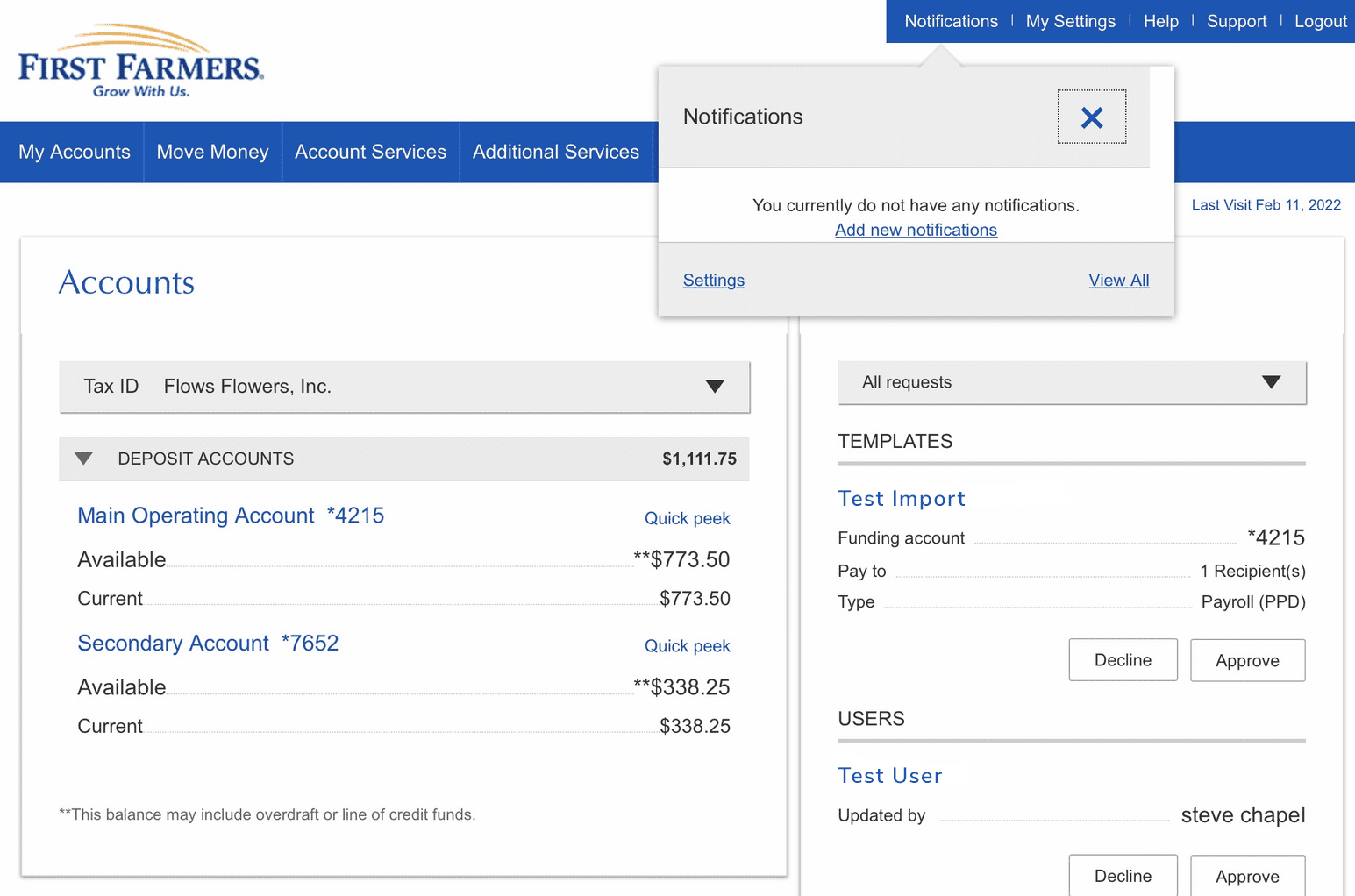
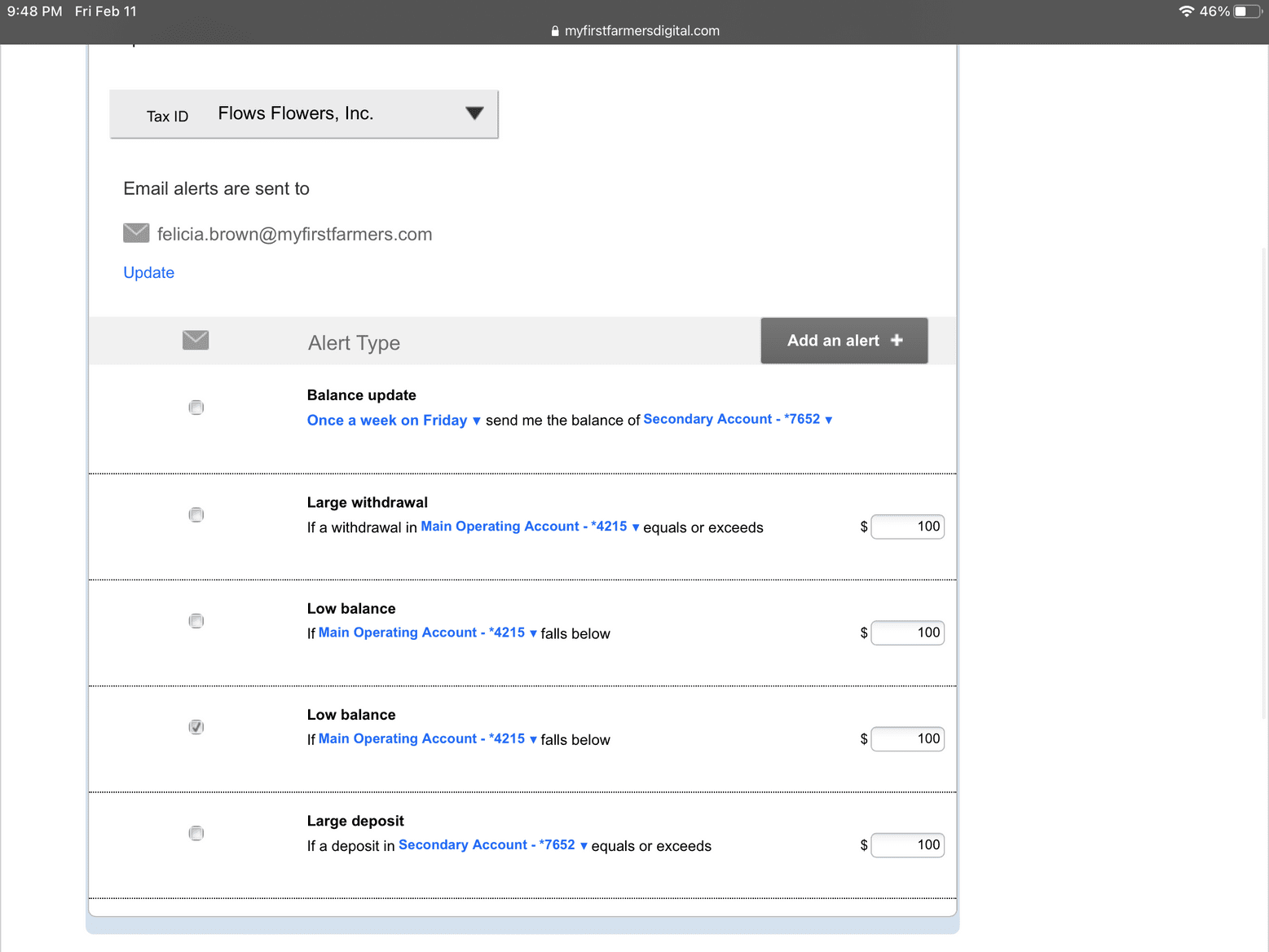
Account Alerts and Notifications
You choose the alerts that are important to you. It’s that simple.
Forgot Login
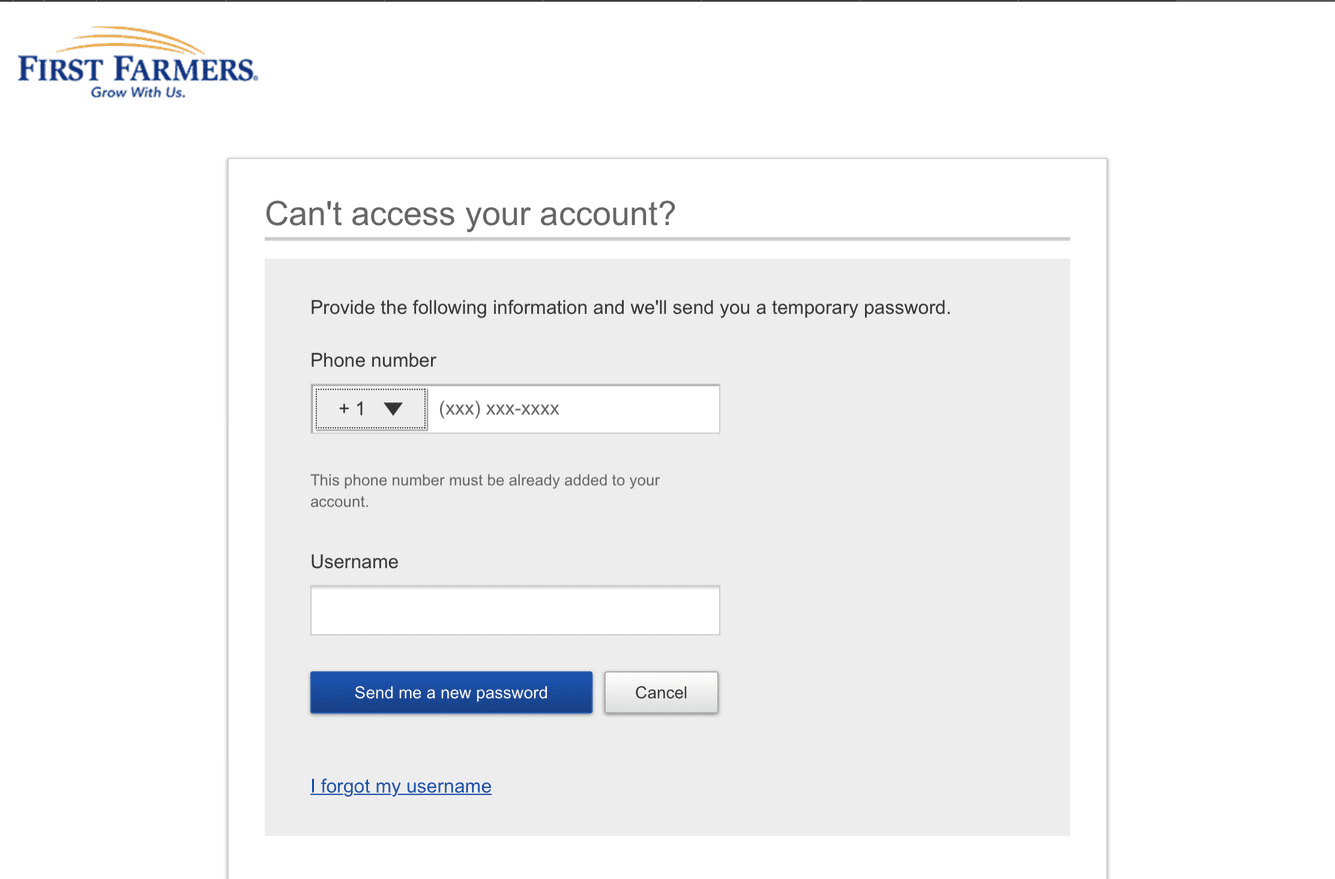
Forgot password or username? No worries, select Forgot Login to reset password or forgot username.
FORGOT LOGIN – To reset password or retrieve username use the Forgot Login from the home screen to quickly access your accounts. If you need additional support, contact us at 800-882-8378 or visit us online at myfirstfarmers.com.

Manage Users
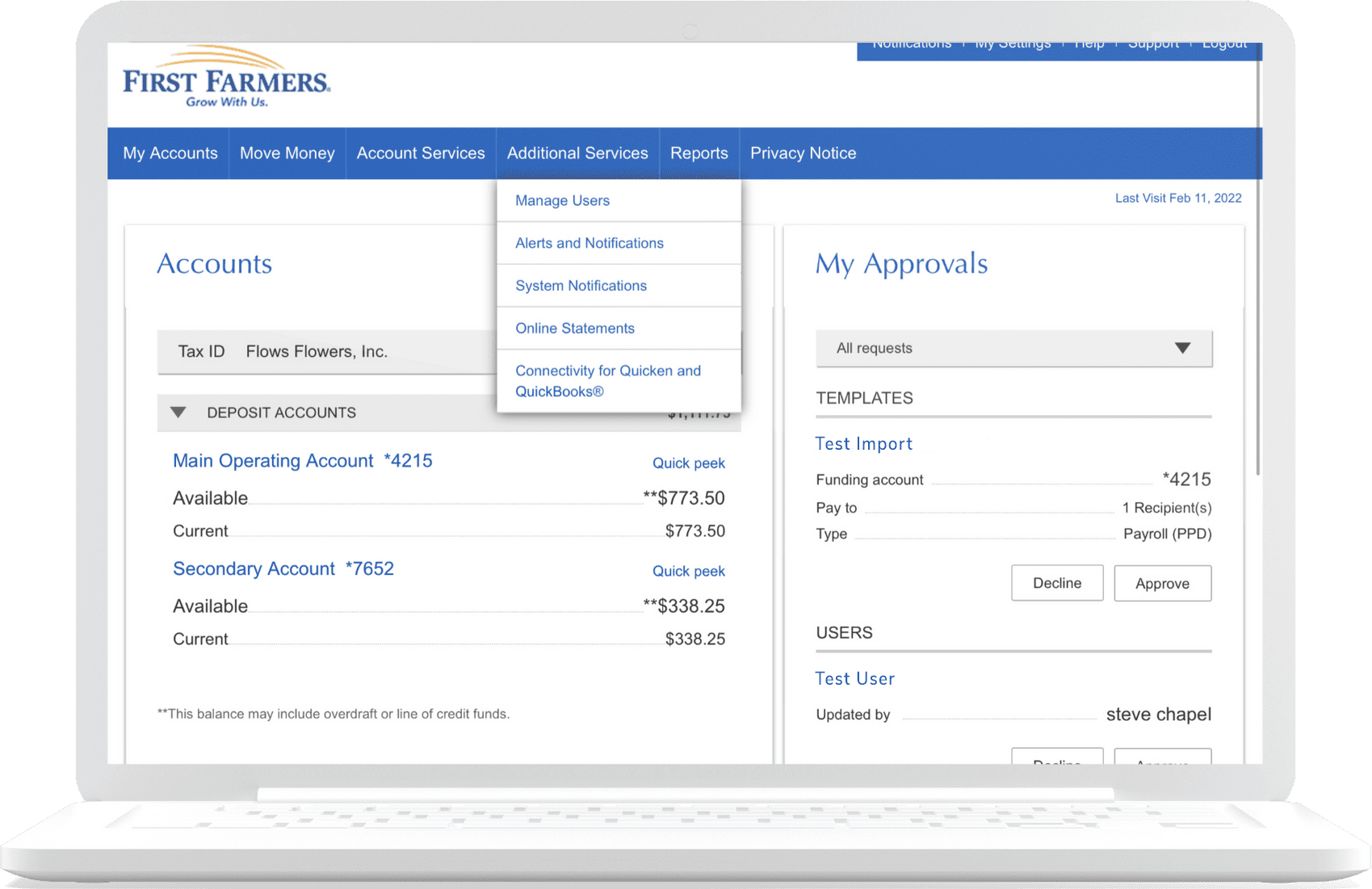
From the Additional Services drop down menu, select Manage Users.
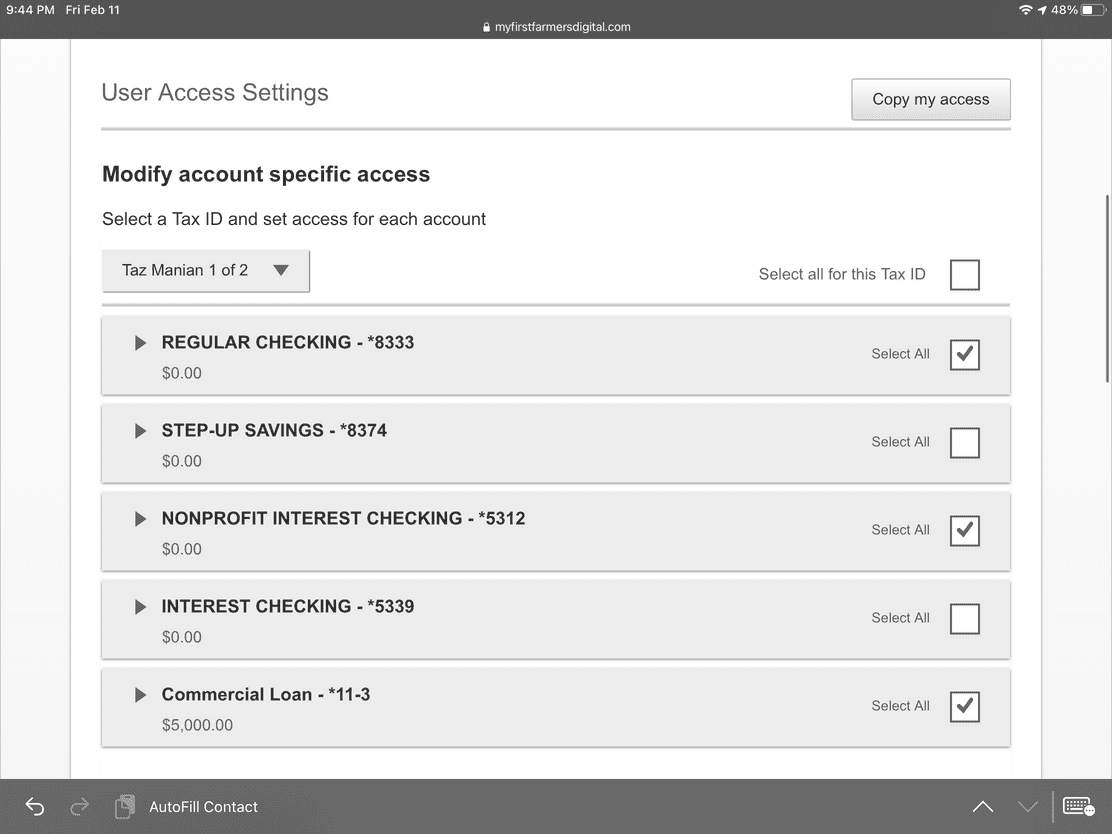
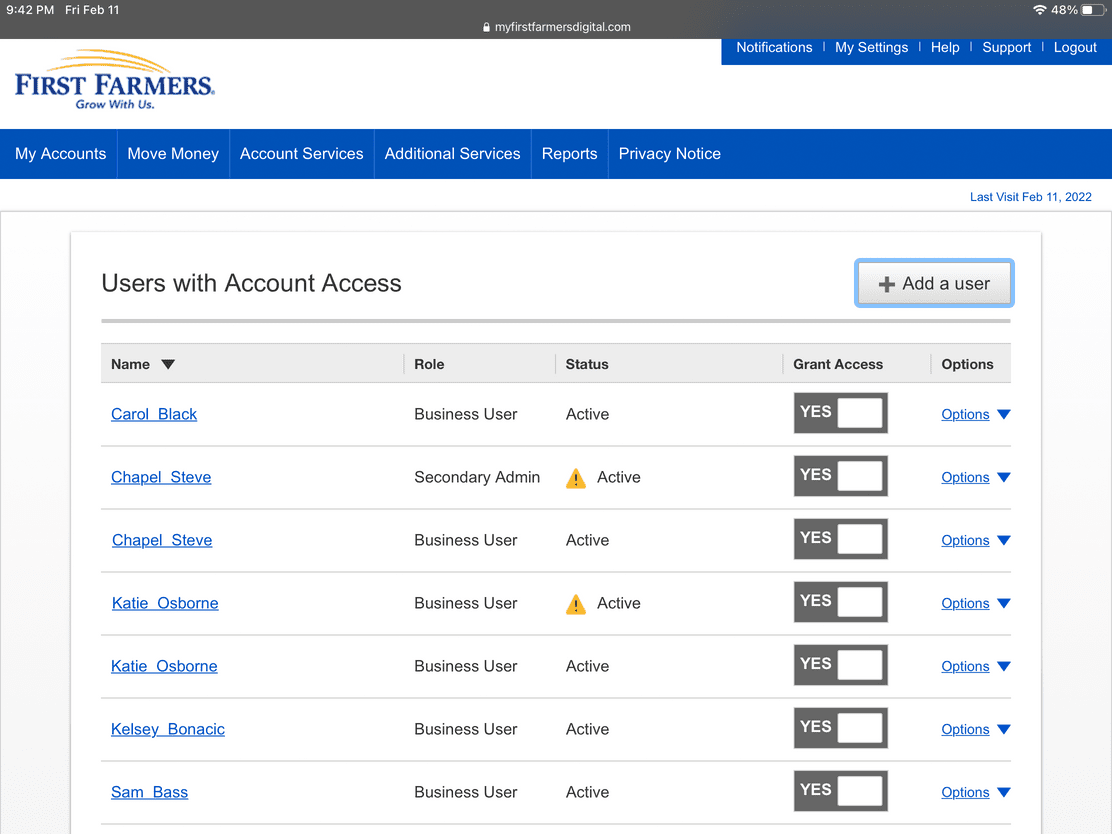
+ ADD A USER – Follow the prompts to Add A User then complete User Access Settings to grant access to select accounts and services.
Move Money / Bill Pay
Forget postage and checks – pay bills online with bill pay.
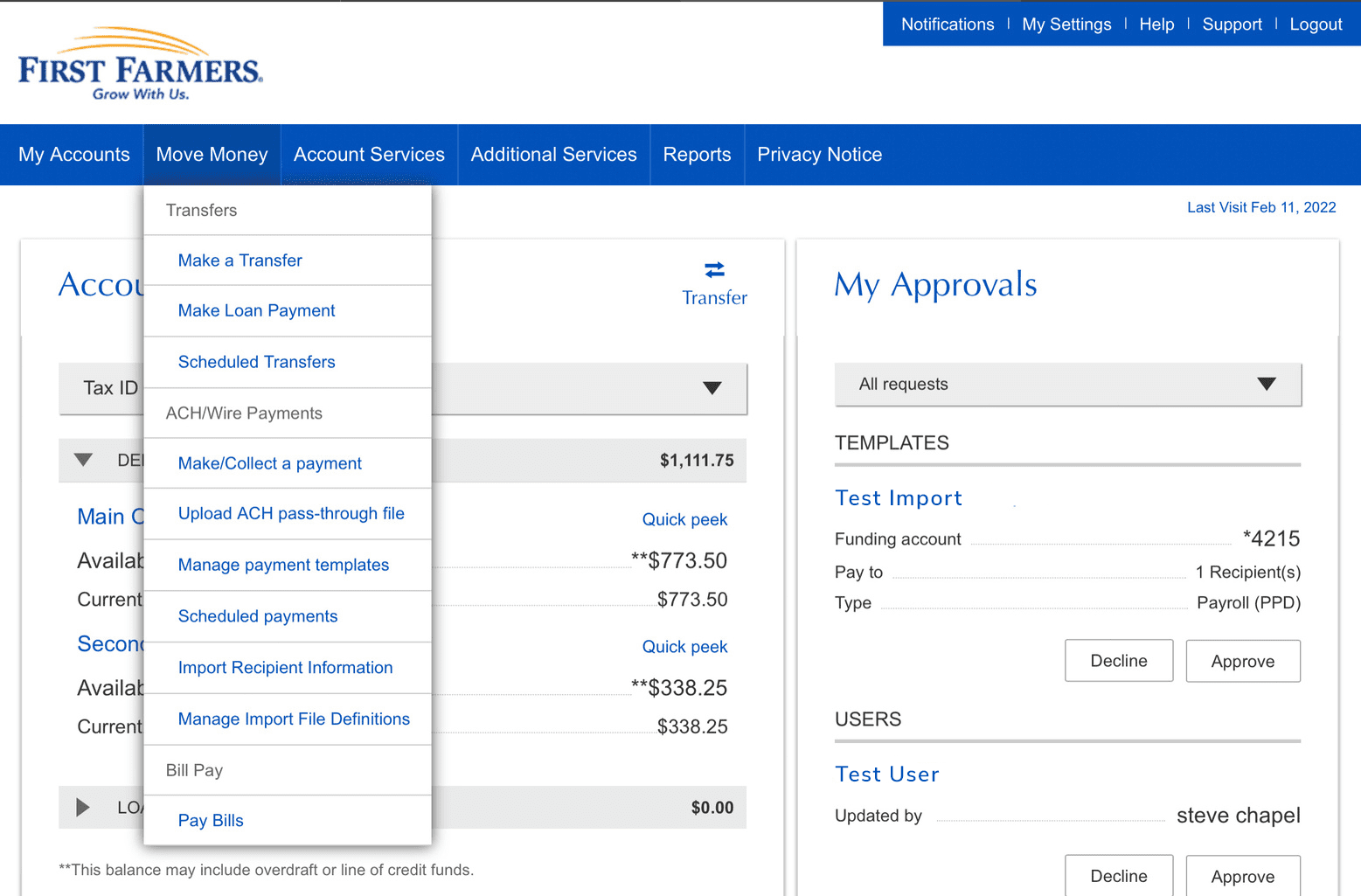
MOVE MONEY – Select Pay Bills from the Move Money drop down menu.
ADD A PAYEE – Type in the name of the person or company in the Add field. If the company is not in the prepopulated list, complete the information needed.
MAKE A PAYMENT – To make a payment, find the company or person in your Pay To list. Type in the amount and payment date, then click Pay.
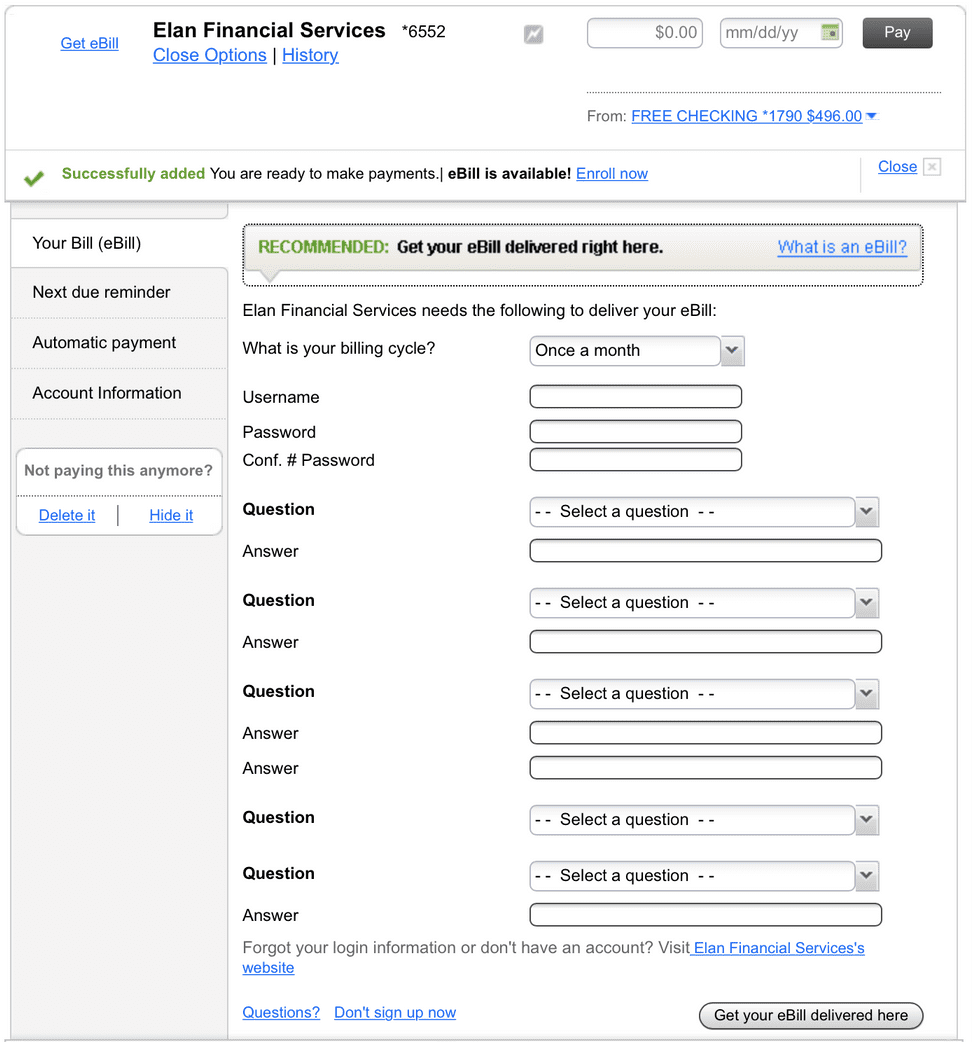
SET UP AUTOPAY OR eBILLS – Find the company or person to pay and click Autopay under their name. On the next screen, select Pay Automatically at Regular Intervals. Choose the funding account, an optional memo, the amount, frequency, the date to begin payments, and to continue payments indefinitely or to stop after a specific time period. Select eBills and complete the required information to connect the account for eBills.
Move Money / Transfer Funds
Easily transfer or schedule money transfers between your First Farmers accounts.
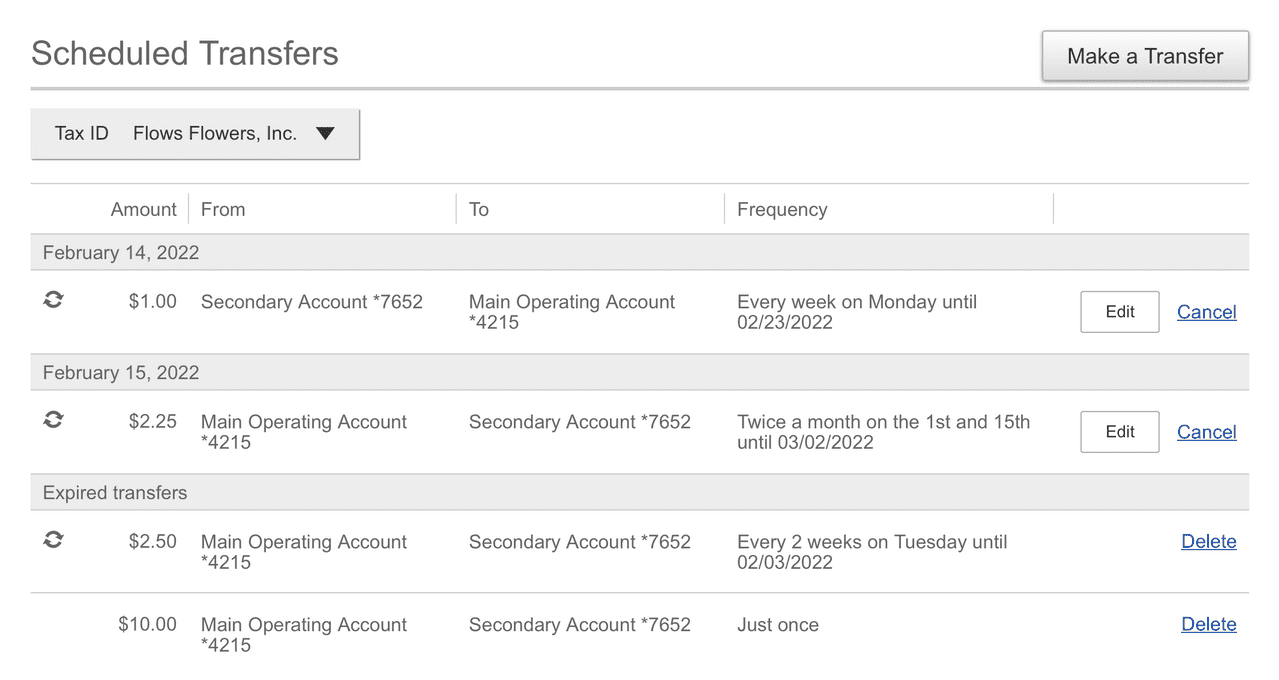
MOVE MONEY – Simply select Make a Transfer from the Move Money menu, choose the accounts you want to transfer to/from, enter the amount and frequency, click Make Transfer to review and Confirm the transfer.
VIEW SCHEDULE TRANSFERS – To view a scheduled transfer, select Scheduled Transfers from the Move Money drop down menu. Choose the Tax ID for the company you want to view.

Online Statements
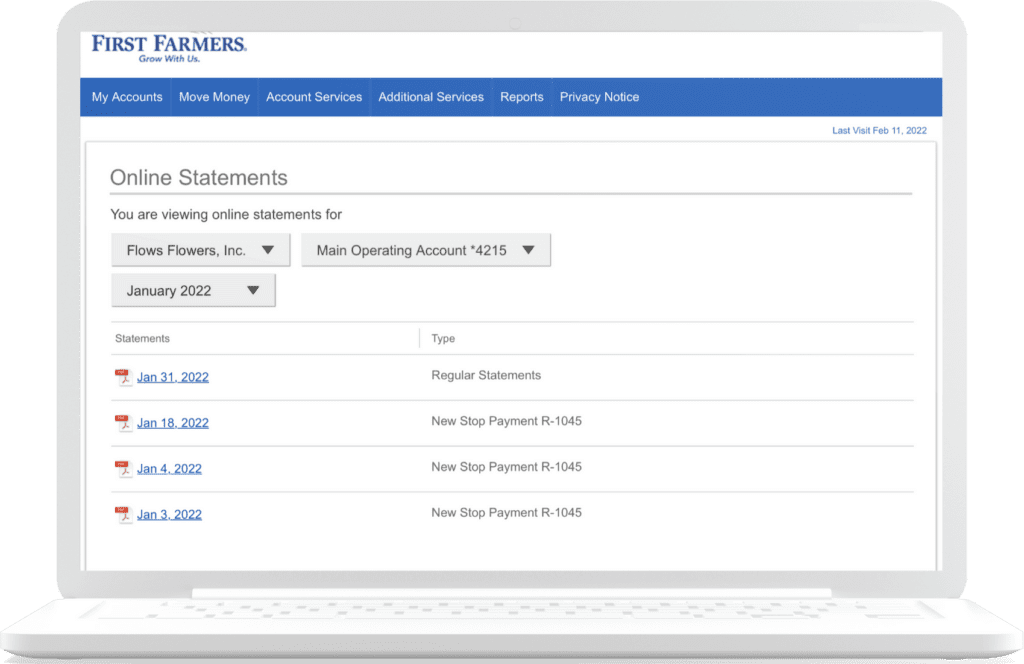
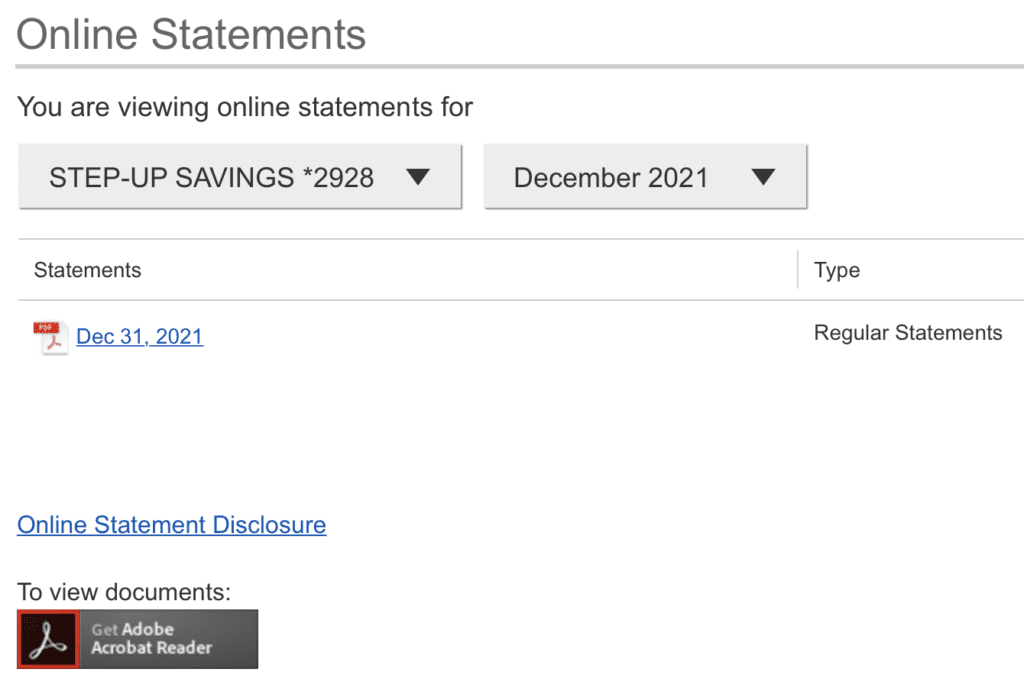
Electronic statements provide quick and easy access to account information. With up to 13 months’ statements, conveniently view, print, or download eStatements directly through online banking at no cost.
STATEMENTS – From the Additional Services drop down menu, select Online Statements. Select the Company, Account, and Month from the drop-down menu.
Reports
A variety of reports are available in the Business Digital Banking.
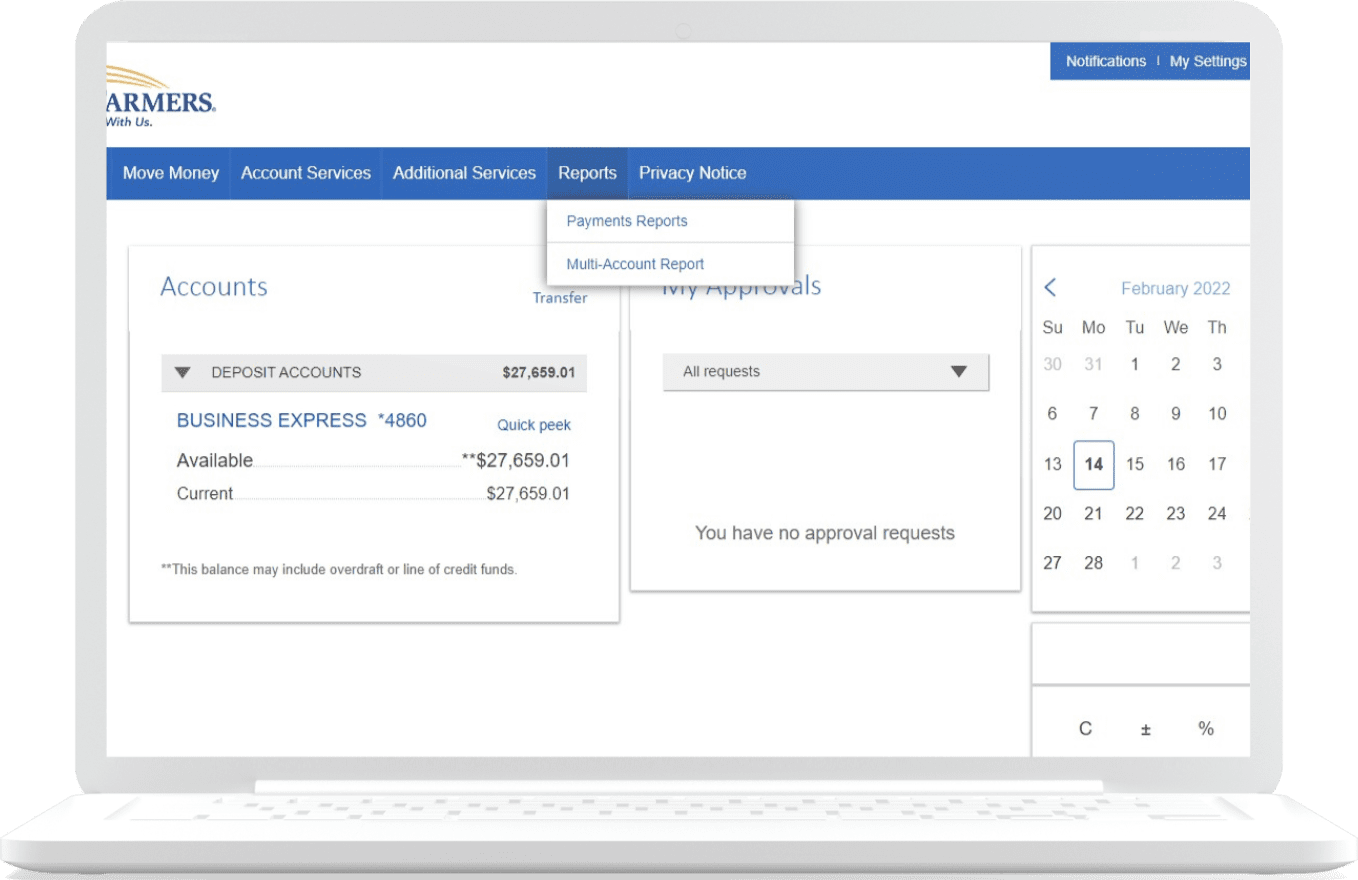
REPORTS – From the Reports drop down menu select Payments Reports or Multi-Account Report.
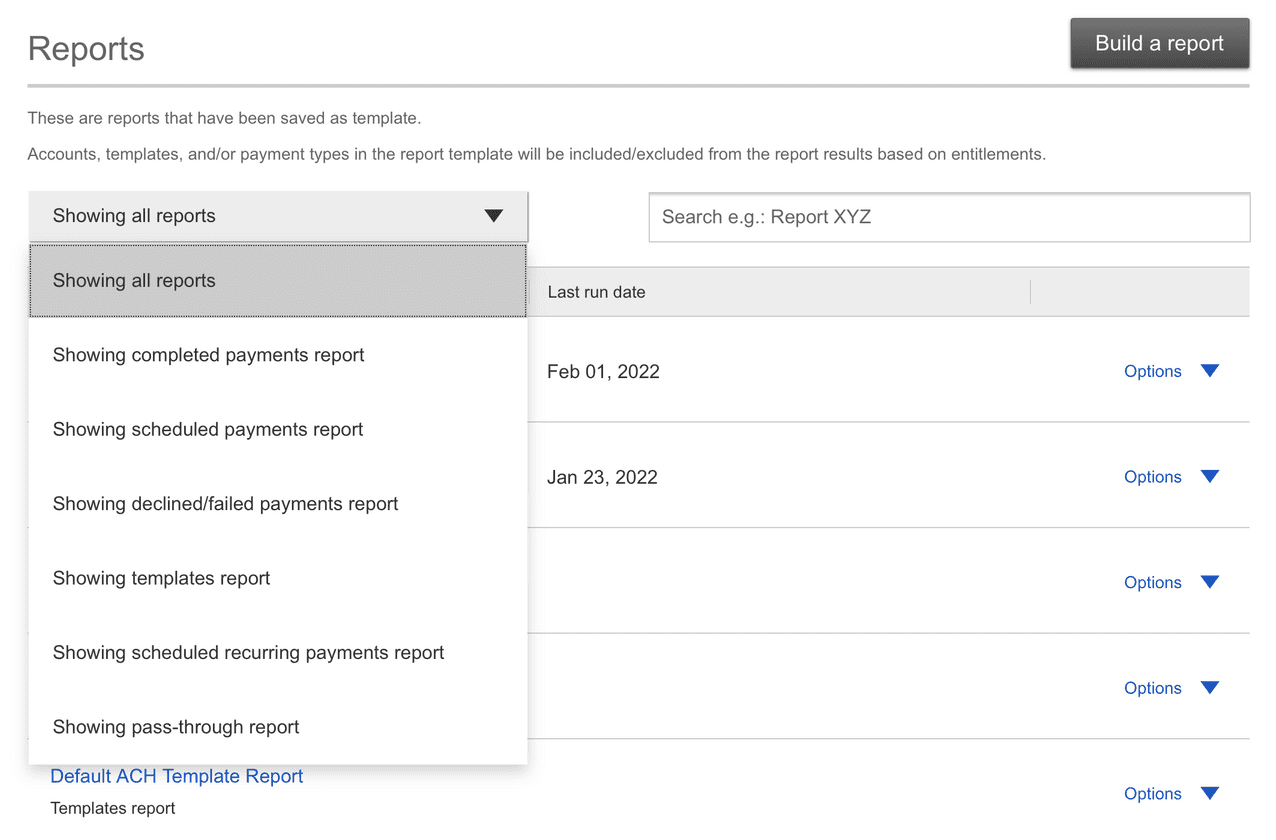
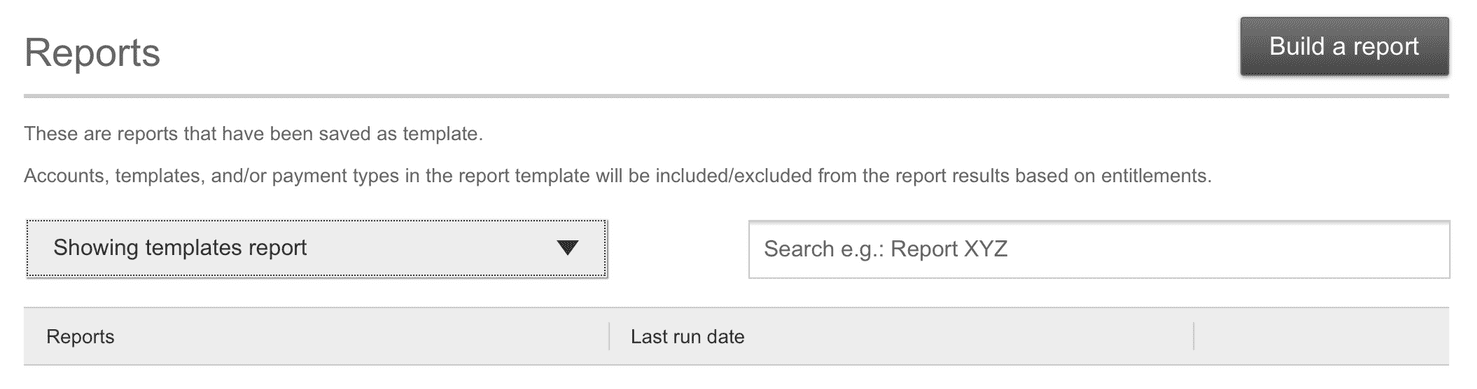
REPORT OPTIONS – Select Showing All Reports to find the report option desired and then follow the prompts to view, export, and download.