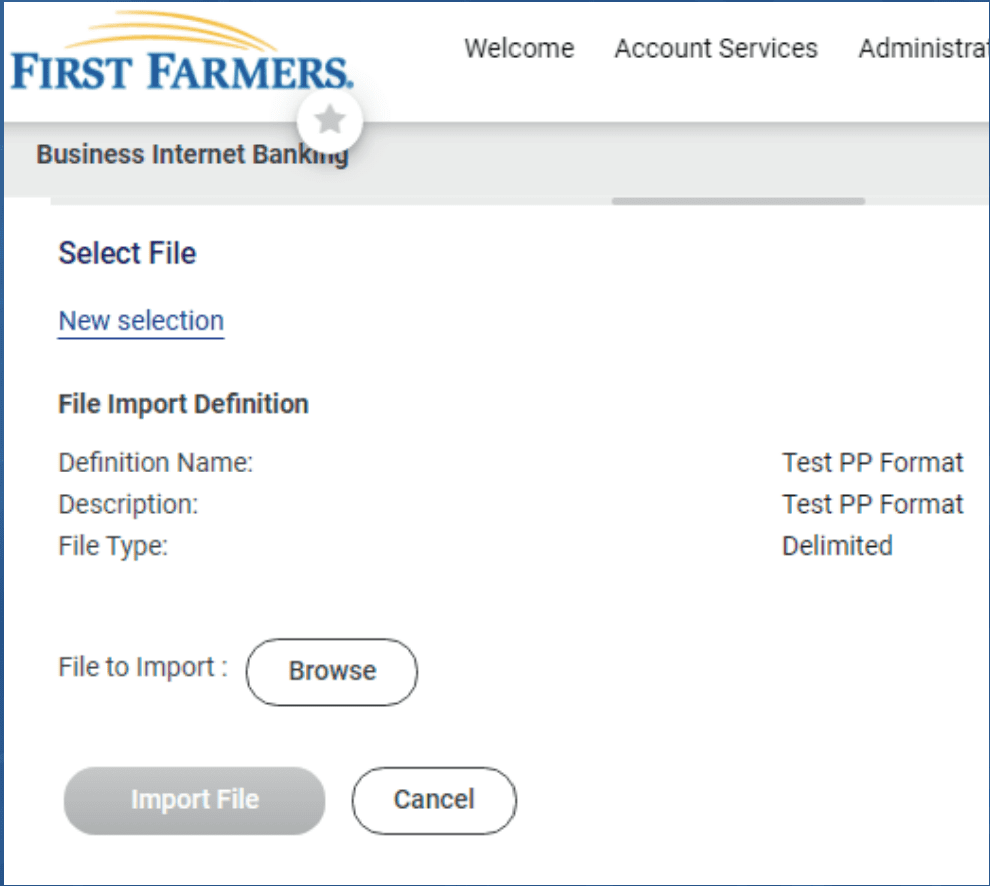
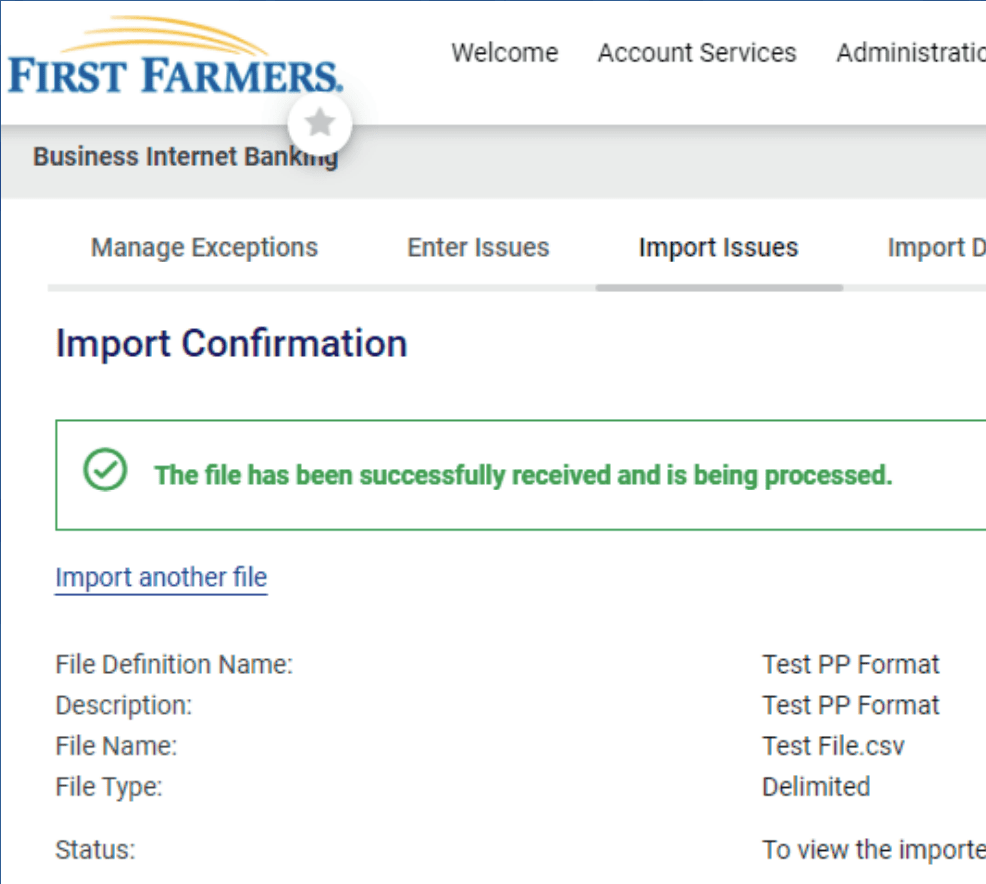
Business Digital Banking – Treasury Management
A Digital Banking Experience that provides you with the tools to manage your finances when convenient.
Services
Successfully manage your working capital with Treasury Management Services, from cash-in to cash-out, and at every point in-between. Efficiently manage accounts receivables and payables with our industry-leading tools and services. Stay informed about account balances and transactions to make smart financial decisions. Explore our cash management services to discover how we can help your business grow. To sign up for Treasury Management Services, please contact us at 800-882-8378.
ACH / Wires
Make and Collect payments, manage templates, and schedule payments. To learn more, please call us at 800-882-8378.
ACH/WIRE – From the Move Money drop down select Make/Collect a payment, choose the template you want to use. Review the amounts and make any necessary updates.
SELECT PAY – Follow prompts and complete the required steps to successfully send an ACH/Wire origination.

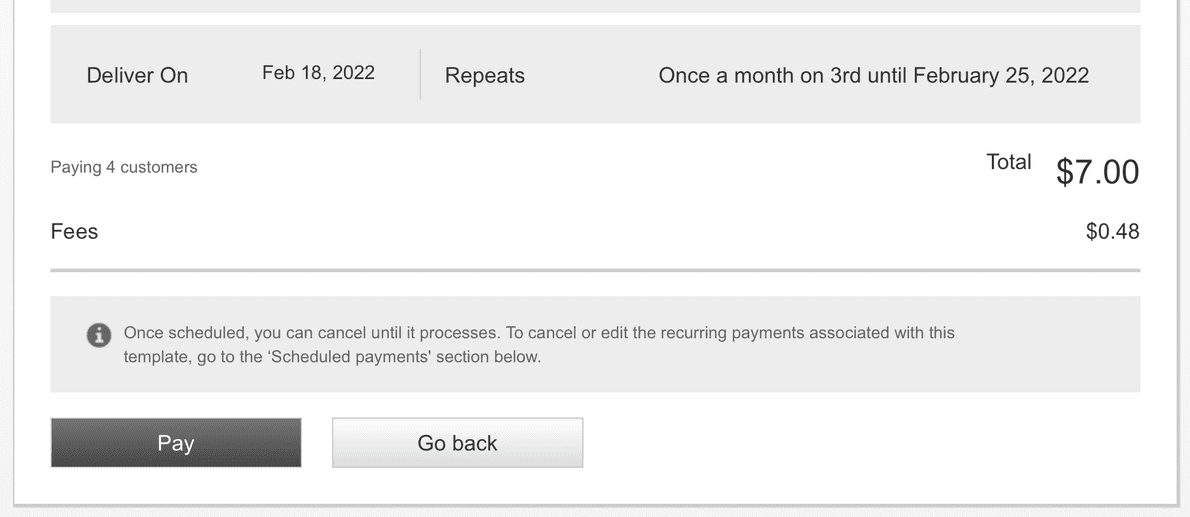
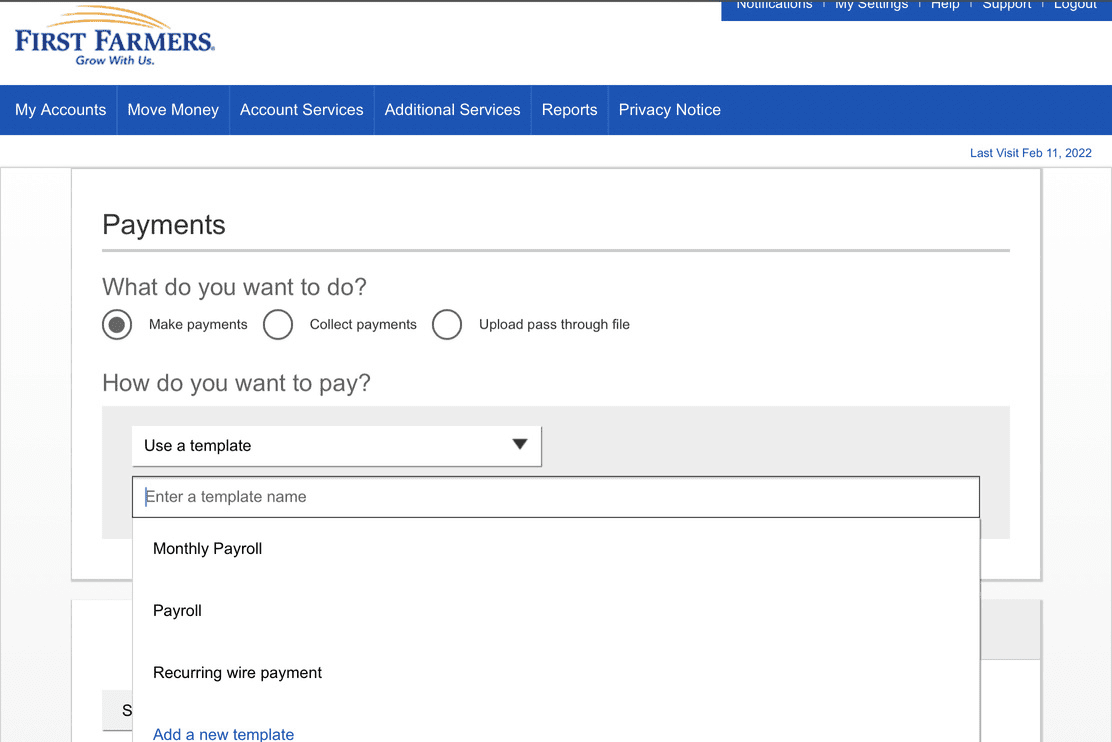
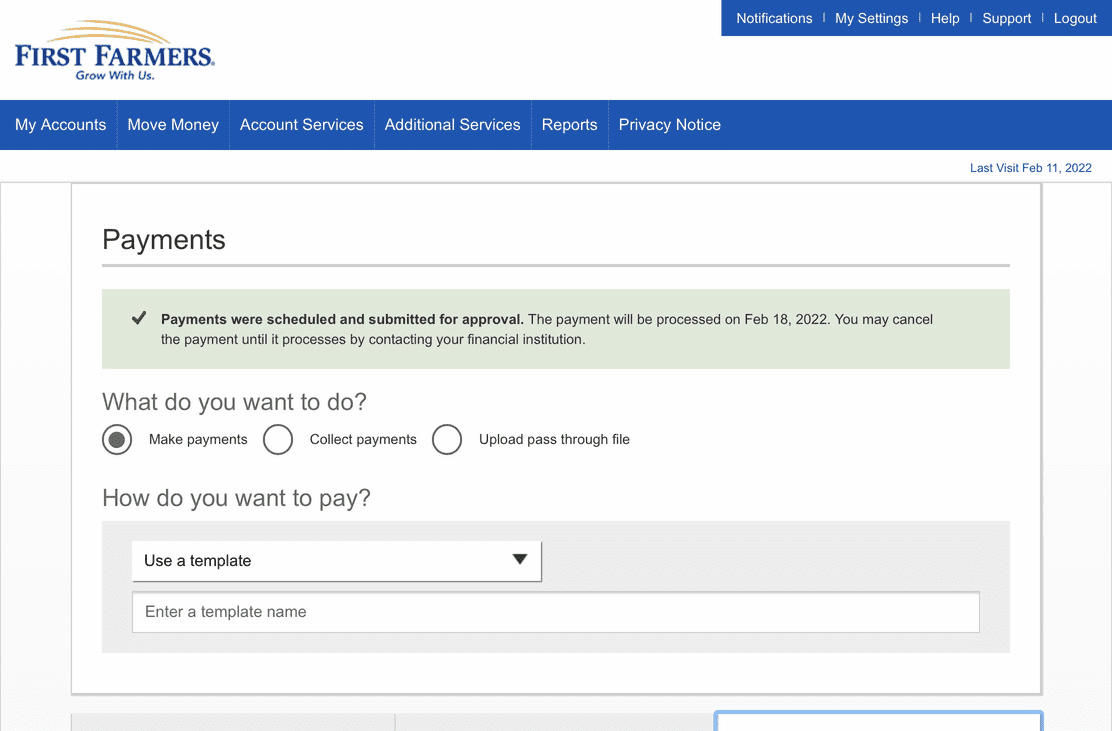
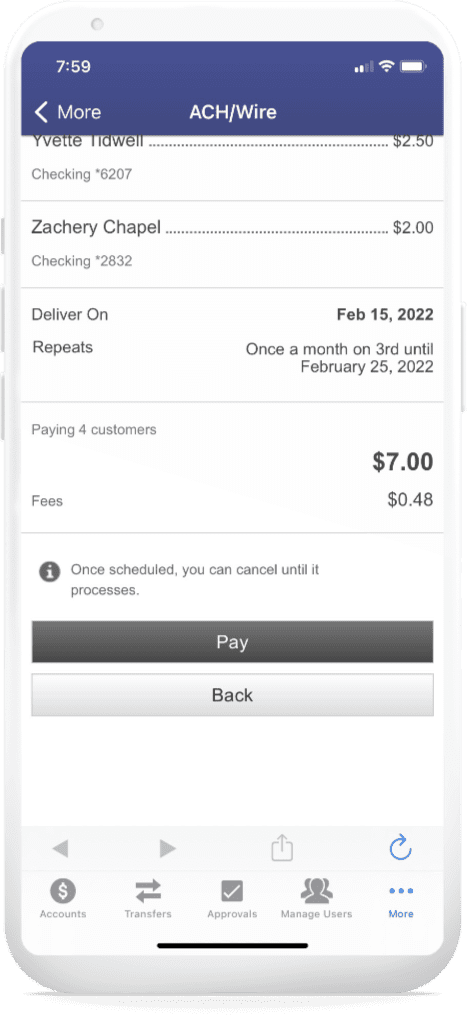
Mobile – ACH / Wires
Select options are available for ACH/Wires on your smartphone. To learn more, please call us at 800-882-8378.
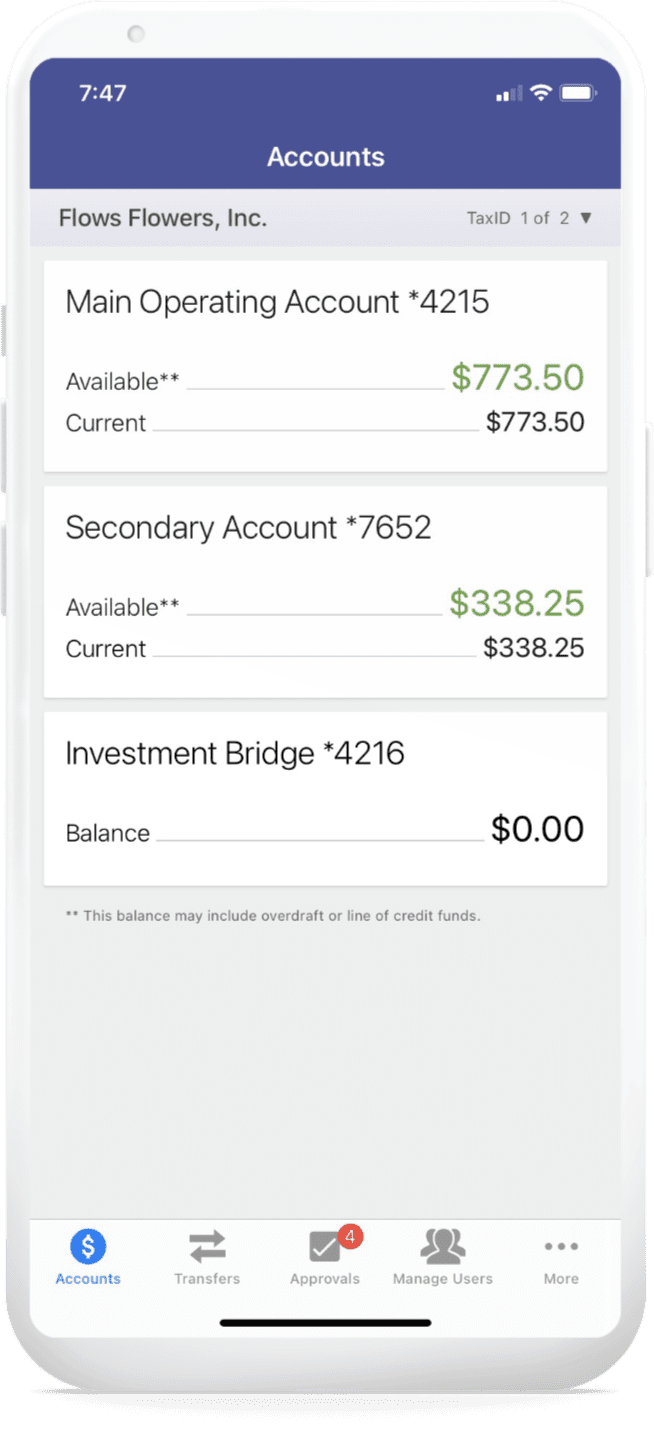
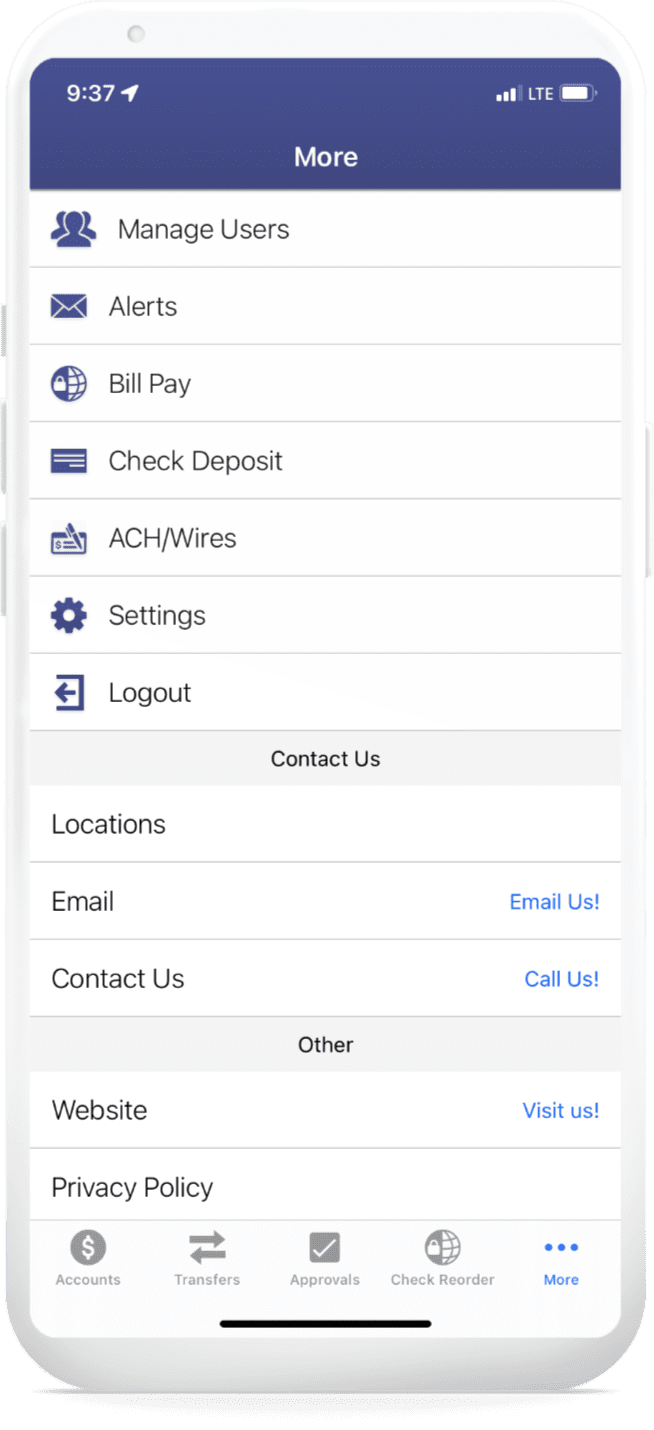

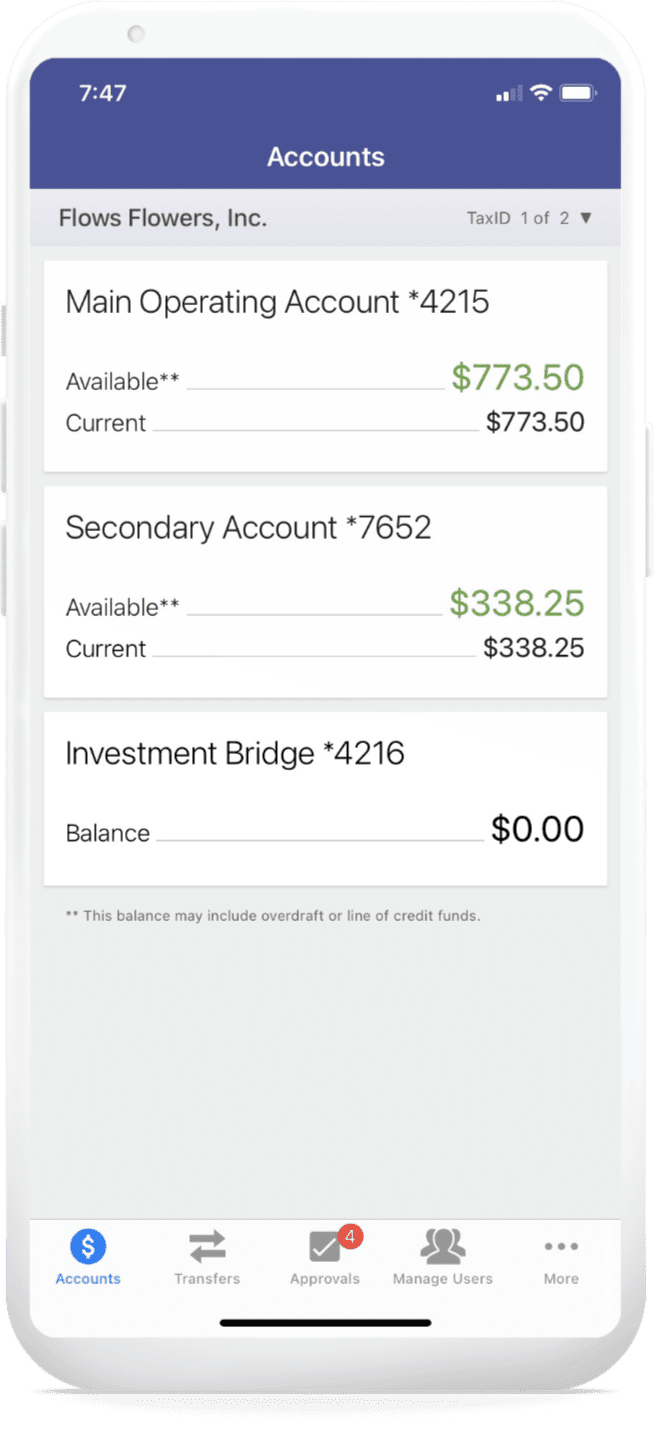
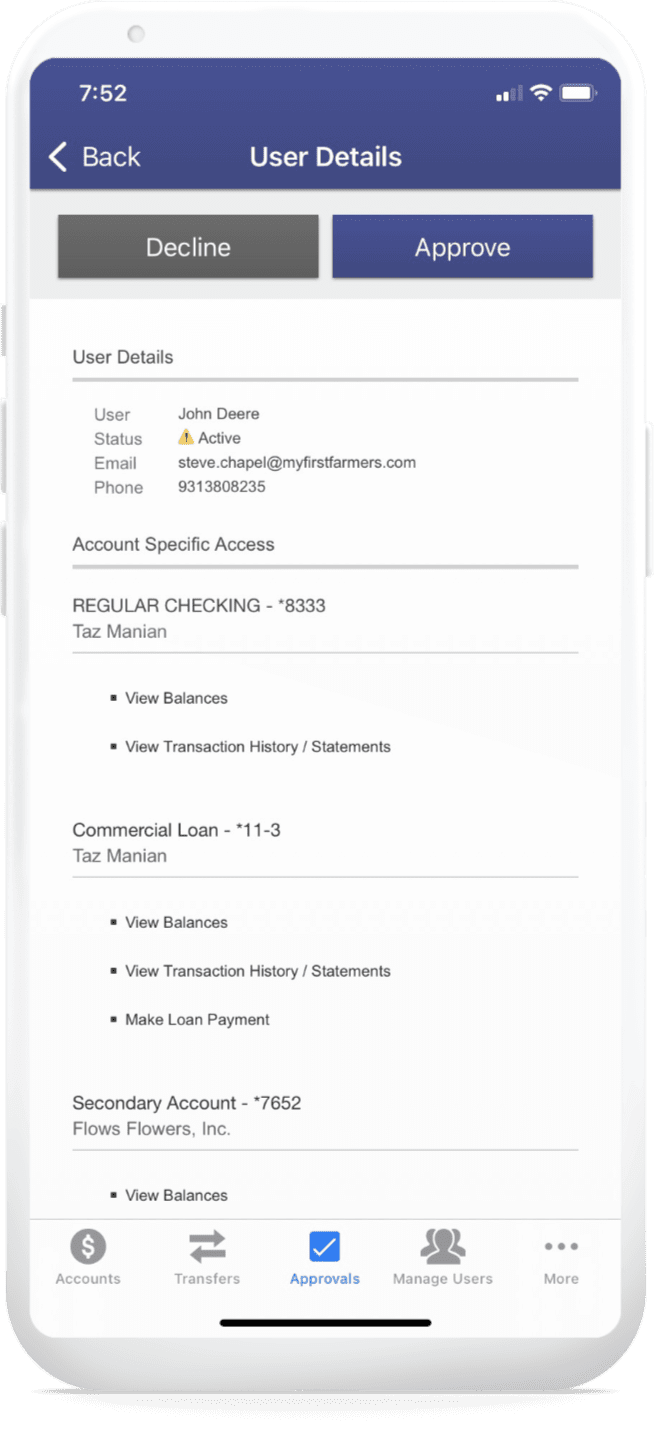
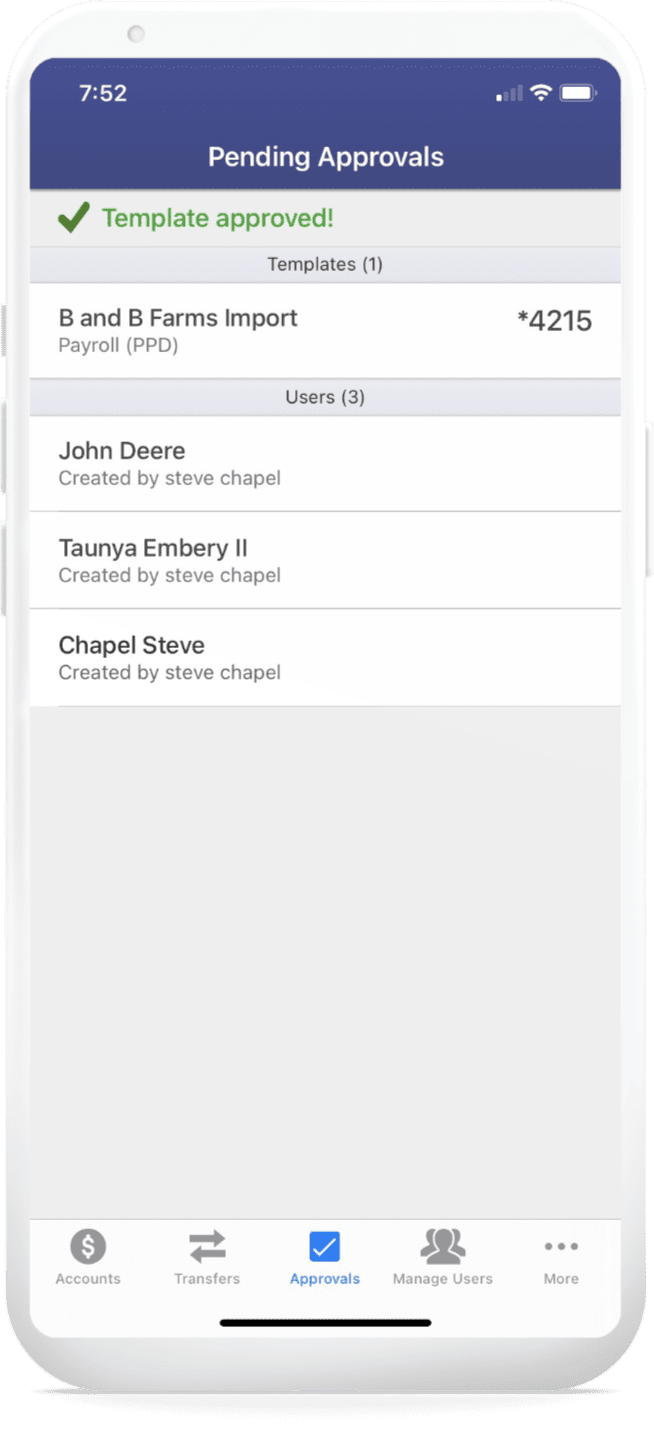
Approvals on the Go
Approvals at your convenience from your smartphone. To learn more, please call us at 800-882-8378.

Positive Pay Login
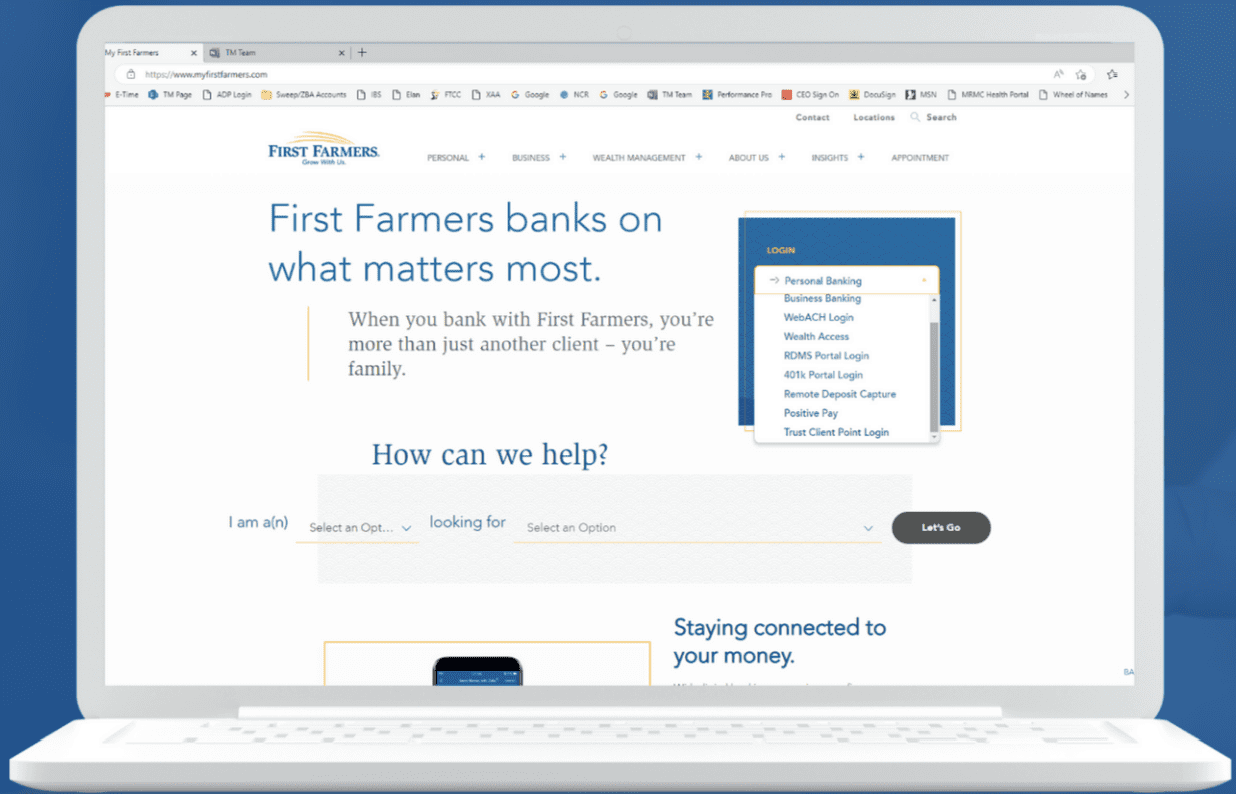
Login to Positive Pay to upload payment files and manage exceptions. You can login from the Bank’s home page drop down menu or from digital banking.
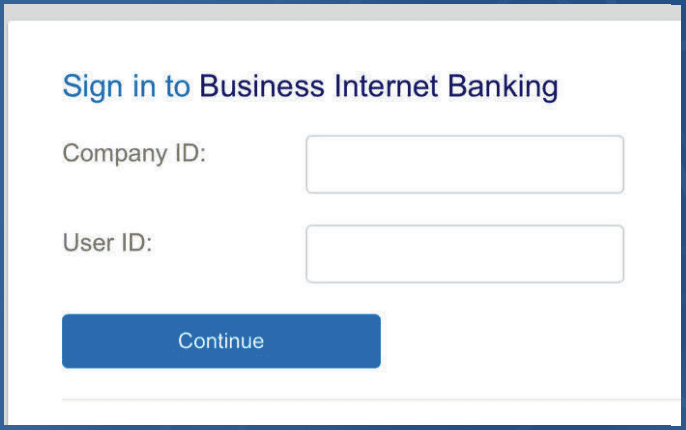
POSITIVE PAY LOGIN – From the bank’s home page, use the drop down menu, select Positive Pay. Follow the login prompts. You will need the Company ID and previously assigned username and password.
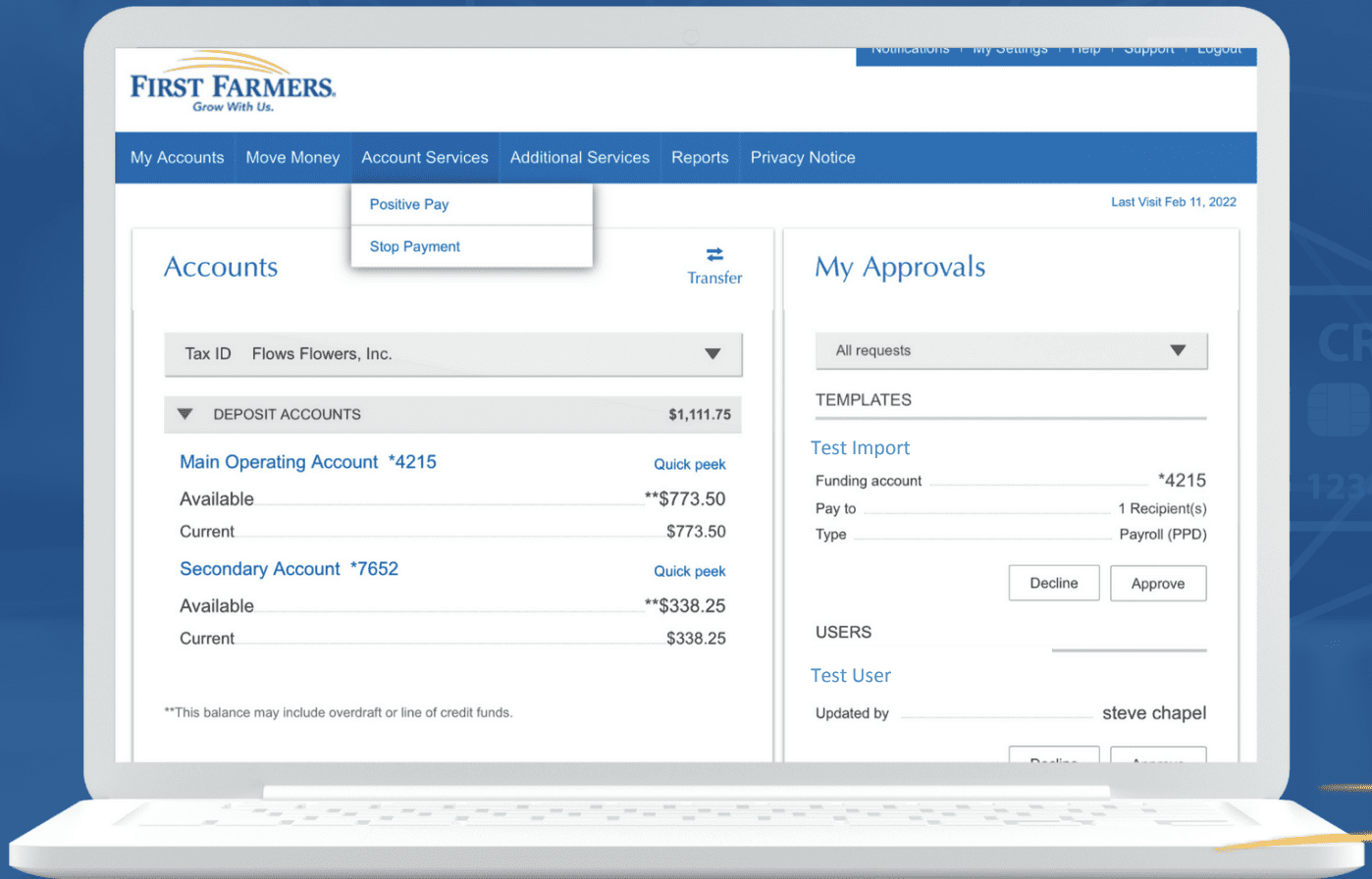
From the Account Services drop down menu in digital banking, select Positive Pay. Follow the login prompts. You will need the Company ID and previously assigned username and password.

Positive Pay Managing Exceptions
How to Manage Exceptions
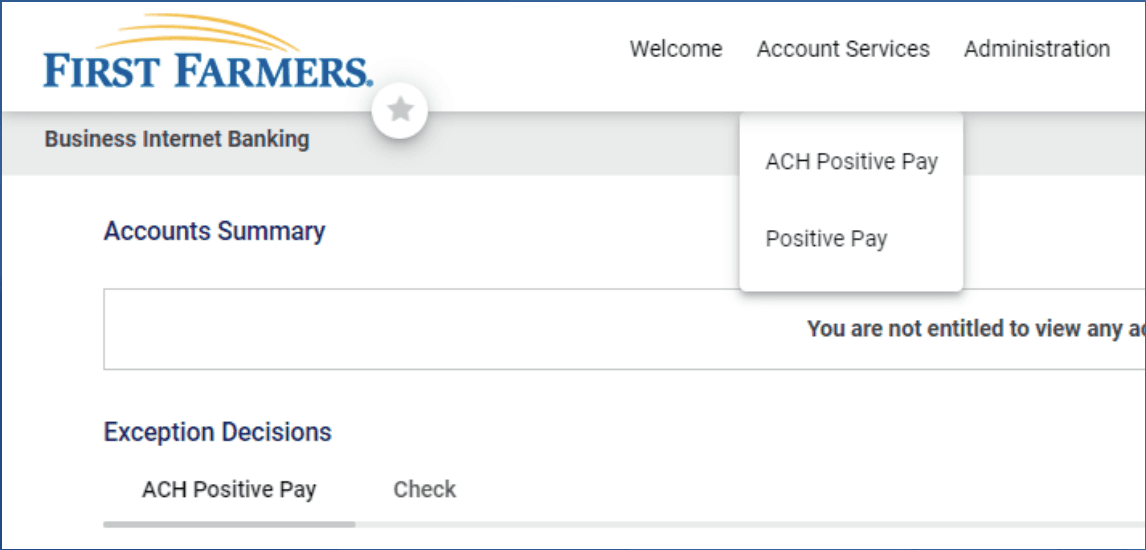
From the main menu, select Account Services. Then select either ACH Positive Pay or Positive Pay.
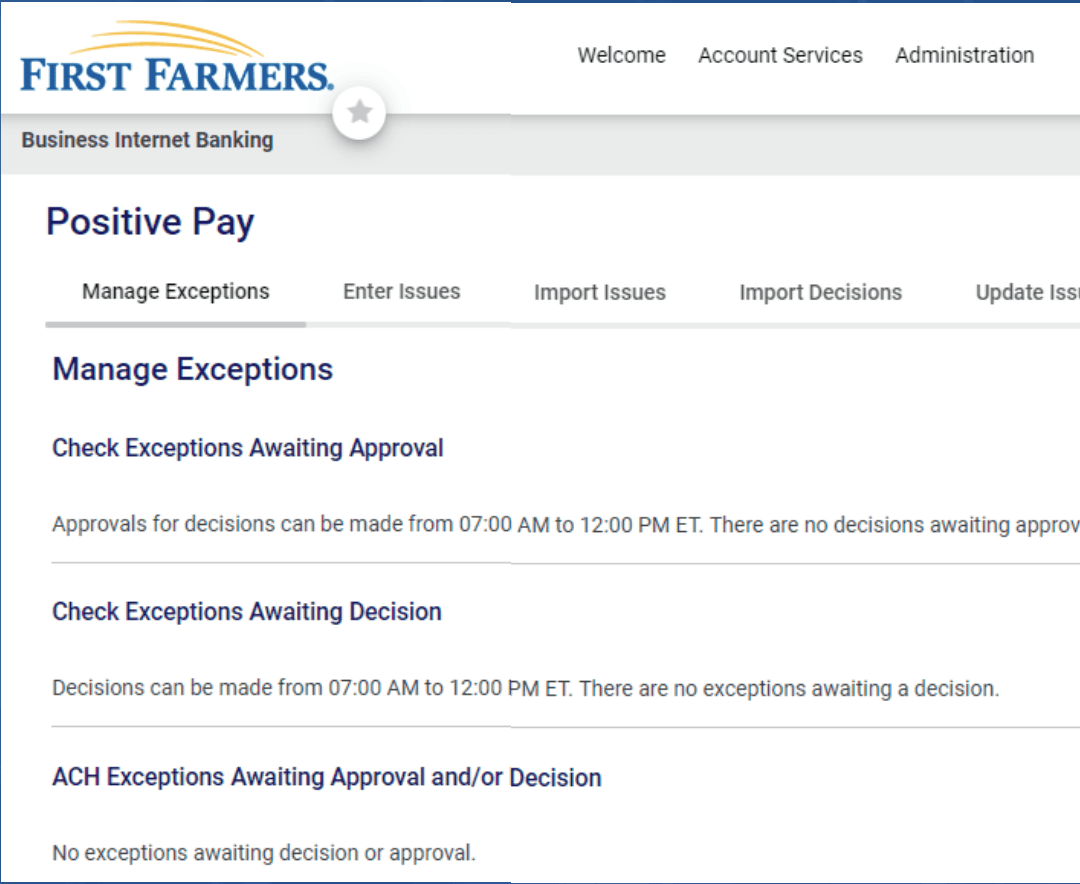
Then select Manage Exceptions and select Checks Exceptions Awaiting Approval or ACH Exceptions Awaiting Approval.
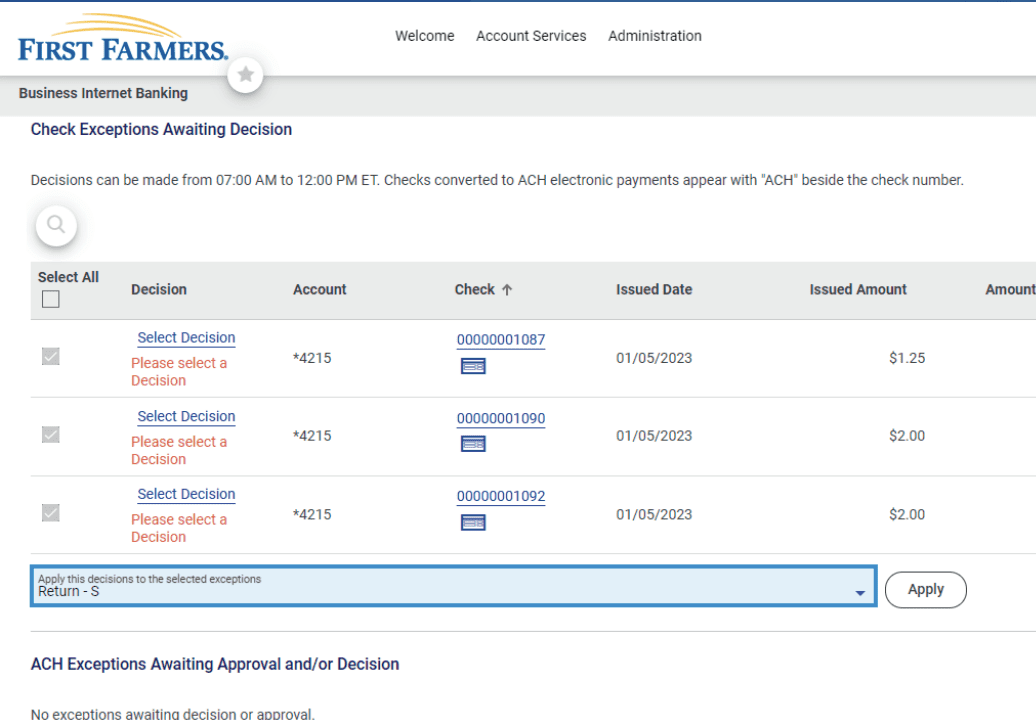
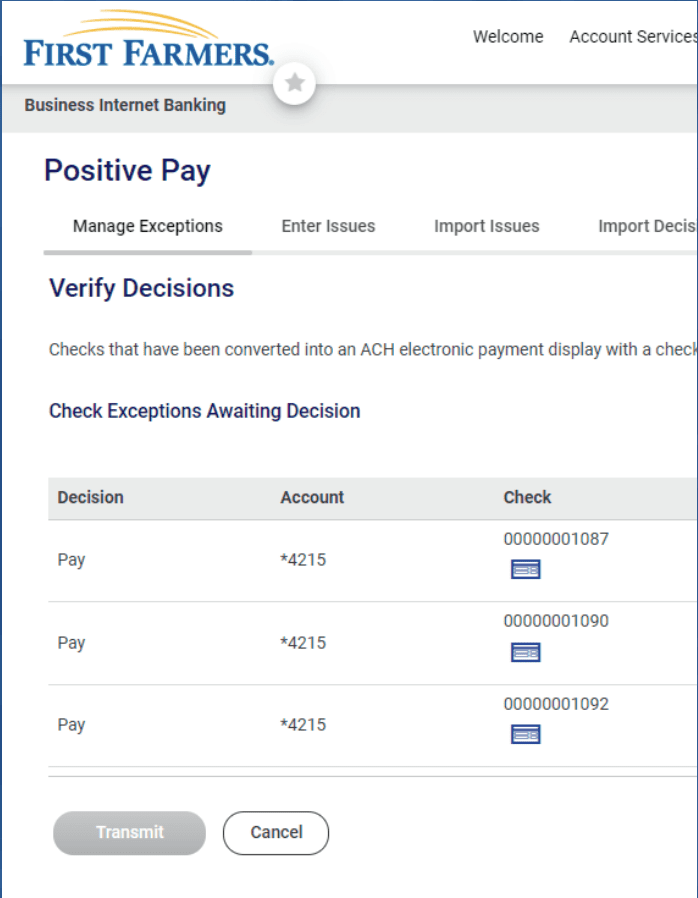
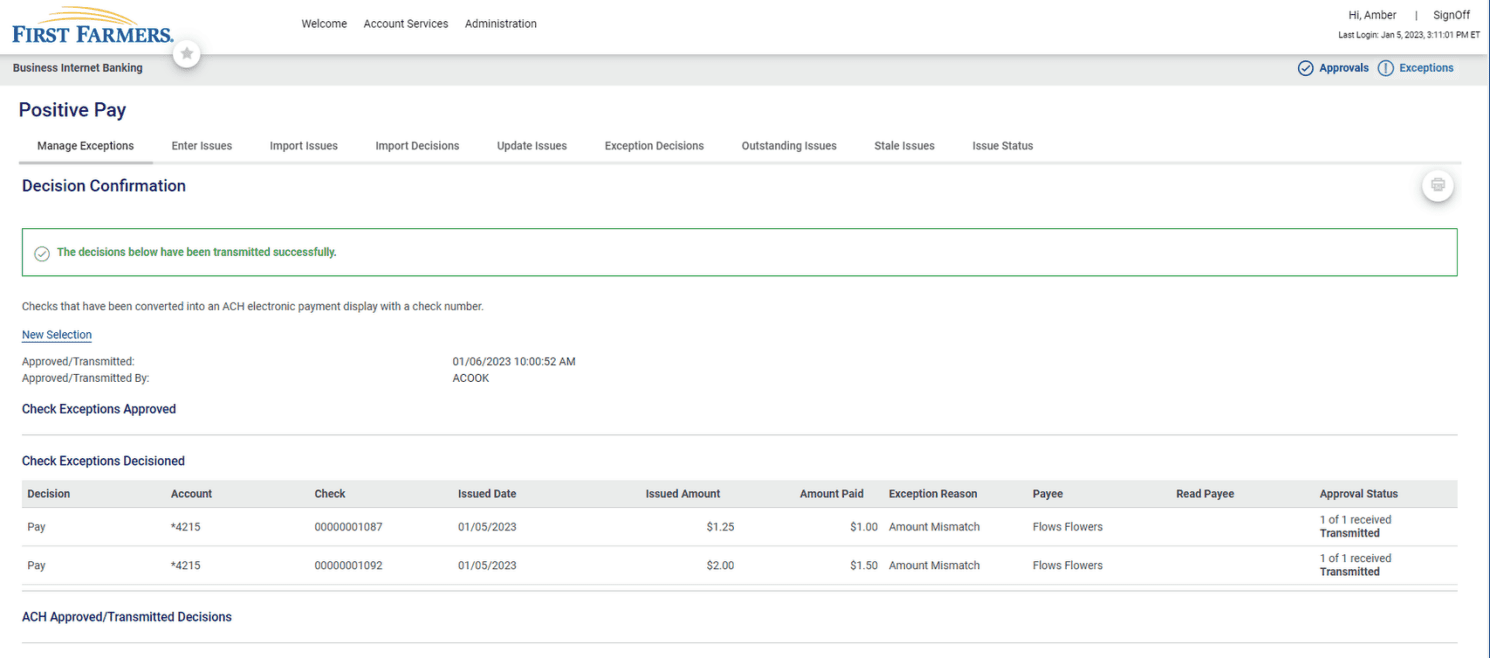
REVIEW AND DECISION – Review each item and Select Decision individually or a bulk action by marking Select All. After selecting the decision, you will need to Verify Decision and click Transmit, if correct. Decision Confirmation is received for your records.